

Best Home Entertainment Equipment for Families
✨ Key Points
- Buy for household habits: Choose equipment based on activities your family already enjoys or genuinely wants to do together.
- Calculate the complete cost: Include subscriptions, games, accessories, installation, repairs, and energy use, not only the purchase price.
- Prioritise compatibility and longevity: Check connections, software support, warranties, parental controls, and integration with existing devices.
Home entertainment equipment can help families enjoy films, music, games, sports, and shared activities without leaving the house.
However, buying the most expensive television, console, or speaker system does not guarantee more quality time together.
The equipment must suit the room, household routines, ages, accessibility needs, and available budget.
Before making a purchase, consider:
- Who will use the equipment and for which activities;
- Room size, viewing distance, lighting, and acoustics;
- Compatibility with existing televisions, consoles, and speakers;
- Wi-Fi coverage, internet speed, and wired connection options;
- Purchase price, subscriptions, accessories, and energy use;
- Parental controls, privacy settings, and in-app purchases;
- Accessibility features such as captions and voice control;
- Installation, cable management, storage, and ventilation;
- Warranty coverage, repairs, and software-support periods;
- Whether the activity encourages shared or isolated use;
A reliable home network is essential for streaming, online gaming, and smart entertainment devices.
AT&T customers comparing Wi-Fi routers compatible with AT&T internet should understand that a third-party router generally connects through the AT&T gateway, often using IP Passthrough.
AT&T provides configuration guidance but does not directly support third-party routers, so confirm the model’s speed, coverage, security updates, and setup requirements before purchasing.
Families also face practical problems that product advertisements rarely emphasise: complicated remotes, incompatible connections, distracting notifications, unexpected subscription fees, weak Wi-Fi coverage, loud audio, and devices that quickly become outdated.
This guide covers four main categories of home entertainment equipment for families and explains what to compare before buying.
The goal is to create a flexible setup that supports film nights, cooperative gaming, music, learning, and meaningful time together, without filling the home with expensive devices that receive little use.
Games Tables

Game tables can encourage friendly competition and provide screen-free entertainment for children and adults.
Options now extend far beyond dartboards and include pool, table tennis, foosball, and some of the best air hockey tables designed for home use.
Before buying, consider:
- The table’s dimensions and required playing clearance;
- Doorways, staircases, and the delivery route;
- Floor strength, especially for a heavy pool table;
- Recommended player ages and safety features;
- Noise from motors, pucks, balls, or enthusiastic players;
- Assembly, levelling, maintenance, and replacement parts;
- Foldable or convertible designs for smaller homes;
- Warranty coverage and verified customer reviews;
- Whether the family will use it often enough to justify the space;
A game table can become a natural gathering point for family nights, parties, and time with friends.
It may help people step away from individual screens, learn to handle winning and losing, and build traditions around shared play.
However, these tables can be expensive, bulky, and difficult to move.
Choose a model that fits both the room and the household’s genuine interests rather than buying the largest or most advanced option available.
Home Audio and Cinema Systems
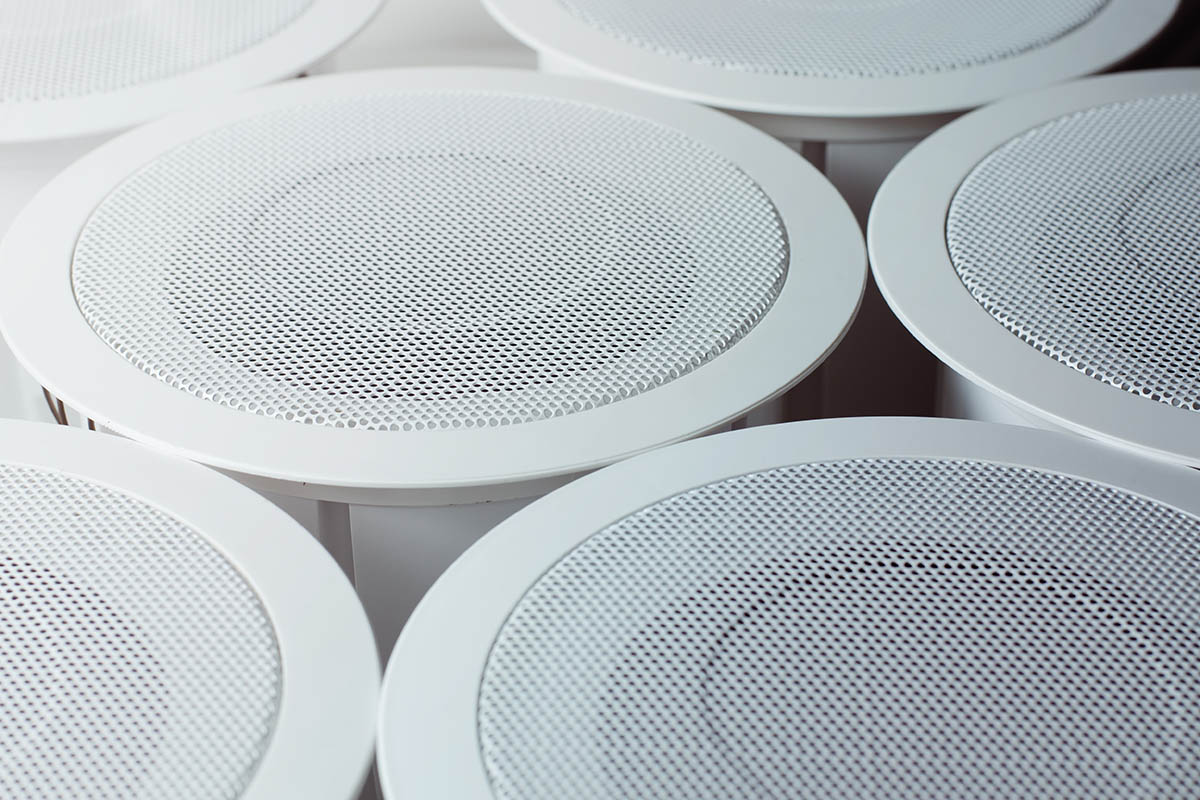
A well-chosen audio system can make films more immersive, sports more exciting, and family gatherings more enjoyable.
The top home audio systems range from compact soundbars to multi-speaker surround-sound setups, with options available for different rooms and budgets.
Before buying, consider:
- Room size and seating position;
- Television and streaming-device compatibility;
- Wired versus wireless connections;
- Speaker placement and cable management;
- Dialogue clarity at moderate volume;
- Bass travelling through floors and shared walls;
- Hearing comfort for children and adults;
- Space, installation, and upgrade costs;
Equipping the entire house with premium speakers can be expensive.
Creating one dedicated media room may provide a better experience while keeping costs under control.
Pair carefully positioned speakers with an appropriate home cinema screen rather than buying the largest equipment available.
Common home theatre design mistakes include mounting the screen too high, placing seats too close, ignoring window glare, hiding speakers inside unsuitable cabinets, and forgetting ventilation for receivers or consoles.
Plan the complete room before buying individual components so the screen, seating, audio, lighting, and power supply work together.
If sound reaches bedrooms, neighbours, or adjoining apartments, explore budget-friendly ways of soundproofing a room.
Start by sealing gaps around doors, adding weatherstripping, using dense curtains, placing rugs with underlay, and moving speakers away from shared walls.
Remember that acoustic treatment and soundproofing are different.
Soft furnishings and wall panels can reduce echoes inside the room, while preventing sound transmission usually requires sealing gaps, adding mass, and isolating vibrations.
Bass is particularly difficult to contain, so use a subwoofer isolation pad and keep the volume considerate.
Home Cinema

Depending on the size of the room that you are considering turning into a home cinema, you might opt for a large television or a projector.
If it is a projector you are opting for, look for bundle deals as they will often make it a cheaper way to buy both the screen and the projector itself.
Always look for reputable and well-reviewed suppliers, as you may need somebody to fit the screen for you, especially if it is an in-built or automatic one.
Combining a home cinema system with mood lighting and incredible audio will make your home entertainment equipment the envy of everybody who visits.
Whether you want to watch a kids’ movie with the family and sing along with Mother Gothel or you want to create the ideal romantic night in, a home cinema setup is a perfect way to do it.
Home Assistants
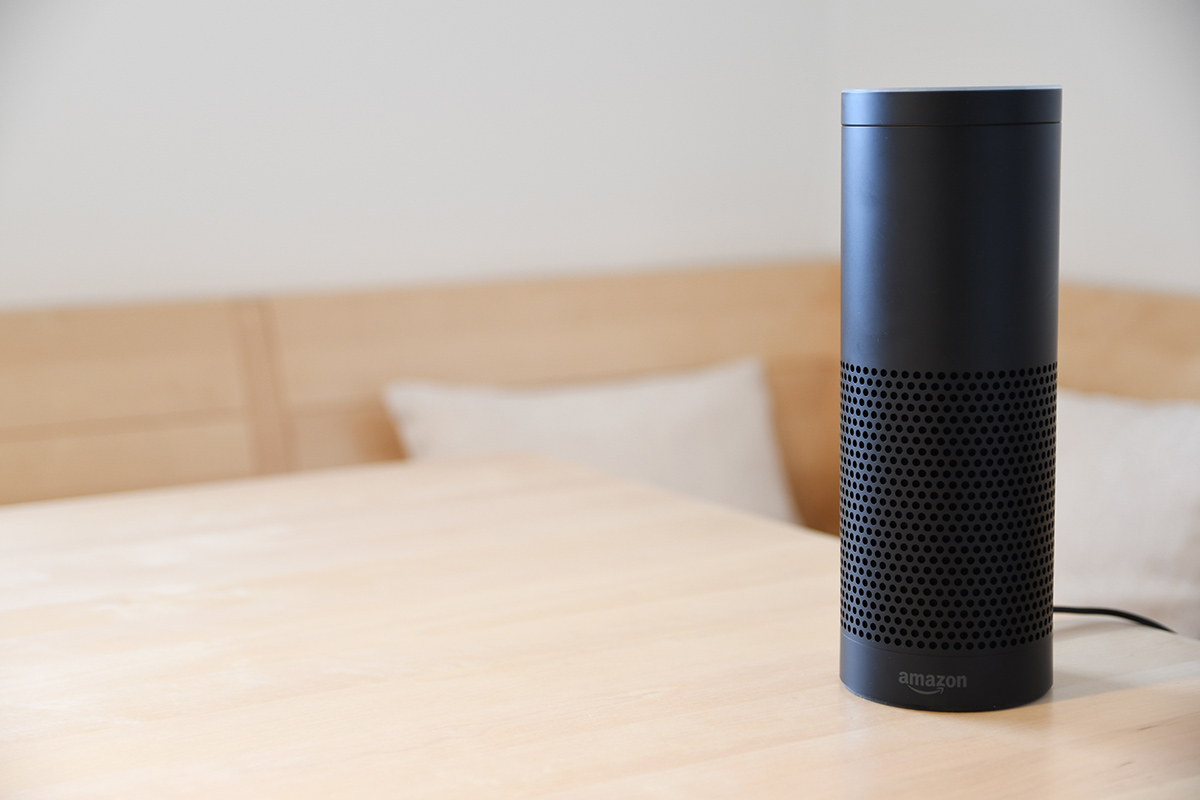
Smart speakers are no longer a novelty, but ownership growth has slowed.
The latest Edison Research data available in 2026 shows that 35% of the U.S. population aged 16 and older owned a smart speaker in 2025, compared with 33% in 2021.
This suggests the category has matured rather than continued its earlier rapid expansion.
A home assistant can play music, set timers, answer questions, manage shopping lists, and control compatible gadgets for a smart home.
These may include:
- Smart lights and plugs;
- Thermostats and air-quality monitors;
- Doorbells, cameras, and locks;
- Robot vacuums;
- Leak and smoke sensors;
- Motorised blinds;
- Other compatible appliances.
When learning how to set up a smart home, choose the primary ecosystem before purchasing individual devices.
Choose devices that work with the smart-home platform your family already uses.
Matter certification can make compatibility easier, while motorised blinds can improve privacy, reduce glare, support comfortable morning and evening routines, and help family members with limited mobility.
The deeper benefit of a smart home is reduced daily friction.
Simple automations can make mornings calmer, evenings more relaxing, and household responsibilities easier to manage.
Protect that convenience with unique passwords, two-factor authentication, privacy controls, and automatic updates.
Begin with one genuine family need rather than buying technology for its own sake.
A useful smart home should support comfort, wellbeing, and more time together—not create additional expense or stress.