
Steps to Ensure Financial Documents for Freelancers Remain Secure
✨ Key Points
- Freelancers are increasingly targeted by cyber scams, phishing attacks, and financial data theft.
- Strong passwords, secure cloud storage, and multi-factor authentication can help reduce security risks.
- Protecting financial documents helps freelancers avoid identity theft, payment fraud, and business disruption.
As freelancing continues to grow in 2026, so do the cybersecurity risks that come with working independently online.
Freelancers regularly handle sensitive information such as invoices, tax records, contracts, banking details, payment platforms, and client data, making them attractive targets for hackers and online scammers.
According to cybersecurity reports, small businesses and independent workers remain among the most vulnerable groups for phishing attacks, password breaches, ransomware, and identity theft because many lack dedicated IT protection.
For freelancers, one security breach can lead to:
- Lost income or stolen payments;
- Identity theft and financial fraud;
- Damaged client trust;
- Lost contracts or business interruptions.
That is why protecting financial documents is no longer optional. It is part of running a professional and sustainable freelance business.
Simple security habits can make a major difference, including:
- Using strong and unique passwords;
- Enabling two-factor authentication;
- Backing up files securely;
- Protecting devices from malware and keyloggers;
- Using trusted cloud storage and payment platforms.
In today’s digital economy, freelancers are responsible not only for their income, but also for protecting the financial information that keeps their business running safely.
Here Are A Few Safety Measures To Implement
- Keep Track of Passwords and PINs;
- Use a Password Manager;
- Use Multiple Forms of Verification When Possible;
- Enable Two Factor Authentication for Sensitive Accounts;
- Create Unique and Strong Passwords;
- Encrypt All Financial Documents.
Keep Passwords, and PINs Secure in Offline Accounts
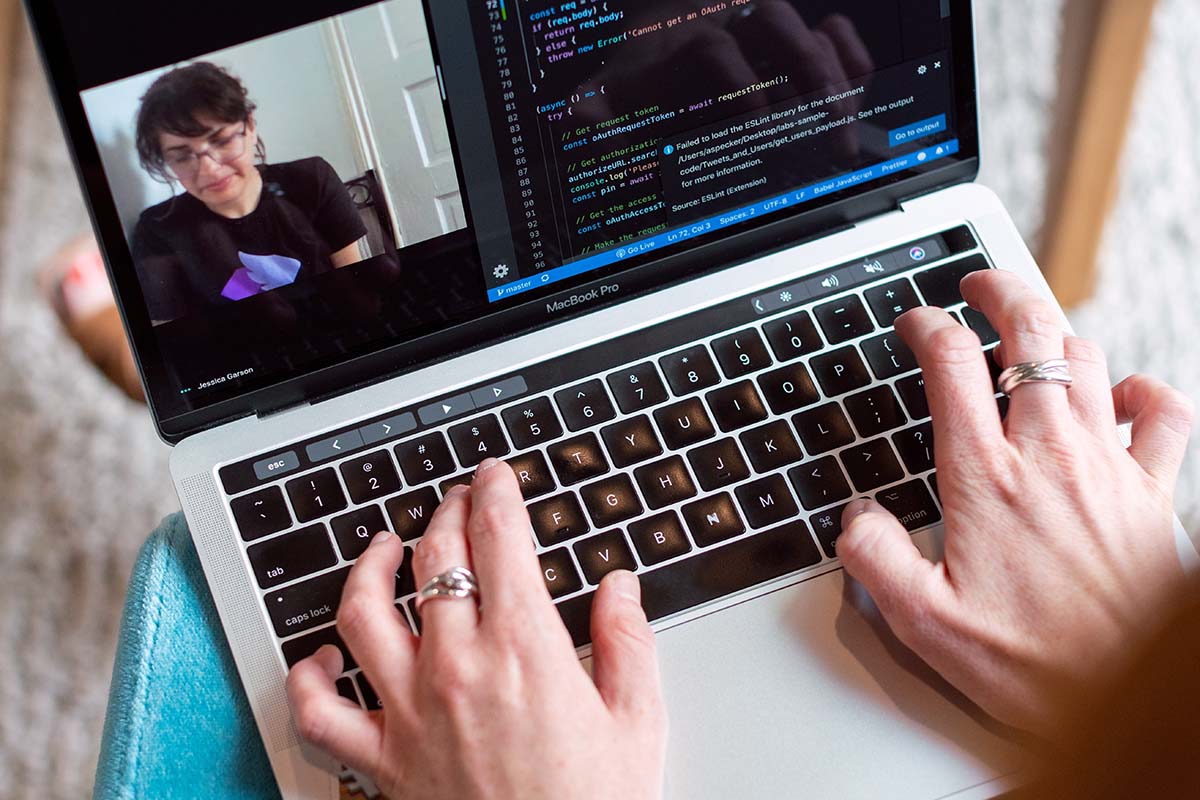
For offline protection, freelancers should secure the devices that store sensitive financial and client information.
Using an encrypted computer can help protect important files from unauthorized access if a device is lost, stolen, or compromised.
It is also a smart idea to back up financial documents on a secure external hard drive that is password-protected and stored safely.
These extra layers of protection can help reduce the risk of identity theft, financial fraud, and loss of critical business data.
Use a Password Manager
One of the easiest and most effective ways freelancers can improve cybersecurity is by using a password manager.
Many freelancers manage dozens of accounts, including banking platforms, payment systems, cloud storage, client portals, and tax software.
Reusing weak passwords across multiple accounts can significantly increase the risk of hacking and financial theft.
Password managers like LastPass or KeePass help generate and securely store strong, unique passwords for each account.
This can help freelancers:
- Reduce the risk of password breaches;
- Protect sensitive financial information;
- Save time managing login credentials;
- Improve overall online security.
Using strong passwords combined with two-factor authentication adds another important layer of protection for freelance businesses in today’s increasingly digital work environment.
Generate Reports of KeyLogging Activity
If your computer has been infected with keylogging software, it is vital to generate safety reports on this activity.
This will help you and law enforcement identify the culprit if they try to reaccess your accounts down the line.
Use Two-Factor Authentication
Two-factor authentication (2FA) is one of the most important security tools freelancers can use to protect sensitive accounts and financial information.
Even if a password is stolen through phishing, malware, or a data breach, 2FA adds an extra layer of protection by requiring a second verification step before someone can access your account.
This extra verification may include:
- A text message code;
- An authentication app;
- Email verification;
- Biometric confirmation such as fingerprint or face recognition.
Freelancers should enable two-factor authentication on:
- Online banking accounts;
- Payment platforms;
- Cloud storage;
- Email accounts;
- Tax and accounting software.
This simple security step can significantly reduce the risk of unauthorized access, account hacking, financial theft, and loss of important business data.
Create Unique and Strong Passwords

For safety measures that can be taken offline, you should have an encrypted computer at home.
The documents should also be stored on a secure external hard drive and password-protected to prevent unauthorized access if not with encryption software.
Encrypt All Financial Documents
Always use an encrypted email service, such as an online signature, to send financial transactions documents.
Update financial transactions documents regularly and ensure that the most current information is always saved in these documents.
Be aware of how long financial data should be stored for – financial institutions will often give individuals a time frame or more extended period within which they are expected to save their financial documentation.
Ensure financial transactions documents are not shared with third parties who do not have permission to access them.
Third-party data breaches can lead to financial fraud, so never give out financial information unless authorized by the person in question or from a secure delivery service such as registered mail.