

How to Choose the Best All-In-One Printer in 2026
✨ Key Points
- All-in-one printers combine printing, scanning, and copying into one space-saving device.
- Choosing the right printer depends on workload, print quality, wireless features, and long-term ink costs.
- Reliable printers can improve productivity for freelancers, remote workers, students, and home offices.
All-in-one printers have become one of the most practical tools for modern home offices and remote work setups in 2026.
Instead of buying separate devices, many professionals now prefer multifunction printers that can handle printing, scanning, copying, and sometimes even faxing in one machine.
For freelancers, remote employees, students, and small business owners, having a dependable printer can save time, reduce outsourcing costs, and improve daily workflow efficiency.
However, choosing the right all-in-one printer can feel overwhelming because there are so many models, features, and price ranges available.
Some users may only need:
- Basic document printing;
- Occasional scanning;
- Simple wireless connectivity.
Others may require:
- High-quality photo printing;
- Fast print speeds;
- Automatic document feeders;
- Cloud and mobile printing support;
- Lower long-term ink costs.
This practical buyer’s guide will help you understand what features actually matter so you can choose an all-in-one printer that fits your work style, budget, and productivity needs in 2026.
Important Features to Look for in an All-In-One Printer
The term “all-in-one printer” refers to a multifunction device that can handle several tasks in one machine, including printing, scanning, copying, and sometimes faxing or wireless document sharing.
While all-in-one printers may cost more than basic single-function printers, they often provide greater convenience, save space, and improve workflow efficiency for home offices, freelancers, students, and small businesses.
Before choosing a printer, it is important to understand which features actually match your daily needs.
Some of the most important factors to consider include:
- Print quality for documents or photos;
- Printing speed and workload capacity;
- Wireless and mobile connectivity;
- Scanning and copying functions;
- Paper tray size and automatic feeders;
- Inkjet versus laser printing technology;
- Long-term ink or toner costs.
For example, freelancers and remote workers may prioritize wireless printing and scanning, while creative professionals may focus more on color accuracy and photo quality.
Choosing the right features can help improve productivity, reduce printing frustrations, and save money over time.
Scanning
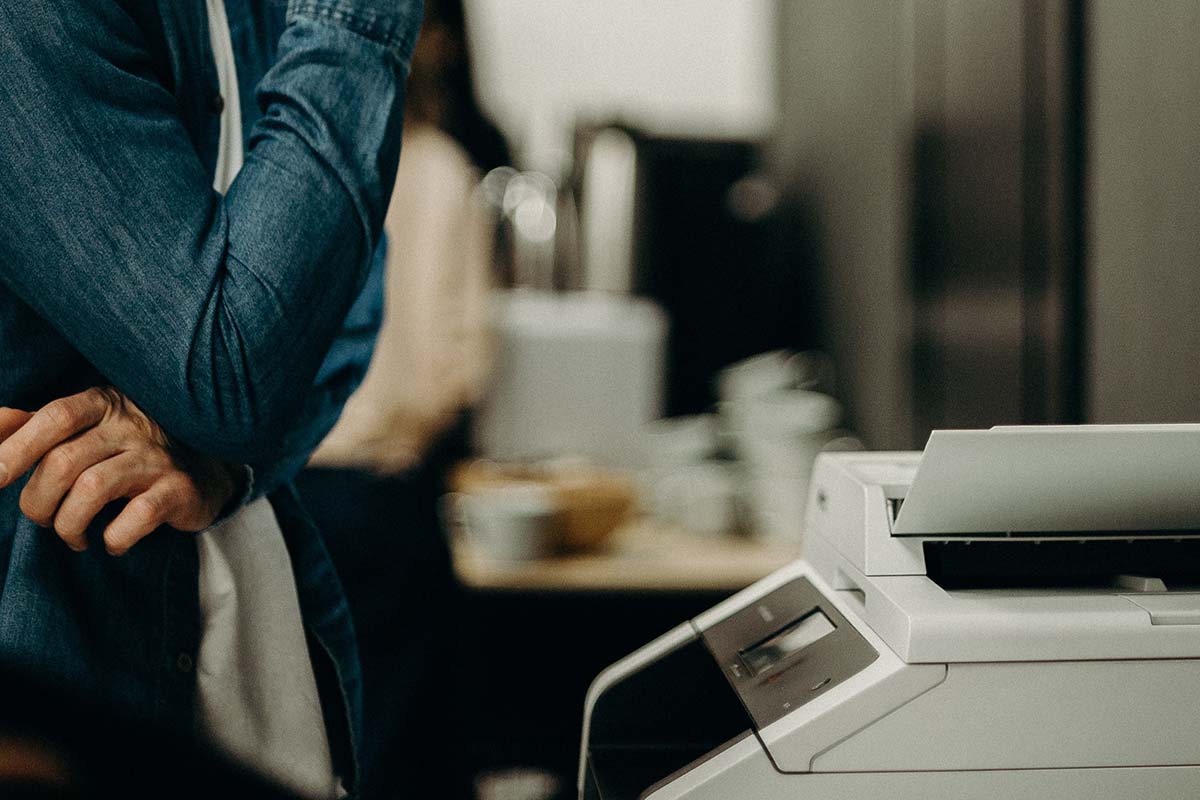
Wireless Connectivity
Wireless connectivity has become one of the most valuable features in modern all-in-one printers, especially for remote workers, freelancers, students, and home offices.
Wireless-capable printers allow you to print, scan, and copy documents without needing to stay physically connected through cables.
This gives users more flexibility when setting up a workspace and makes it easier to work across multiple devices.
With built-in Wi-Fi, many all-in-one printers can connect directly to:
- Laptops and desktop computers;
- Smartphones and tablets;
- Cloud storage platforms;
- Home office networks.
One major advantage is convenience.
You can place the printer almost anywhere in your home or office while still accessing it wirelessly from different rooms or devices.
For many people, choosing an all-in-one printer is also more cost-effective than buying separate machines for printing, scanning, and copying.
In 2026, wireless functionality is no longer just a bonus feature.
It has become an essential part of creating a flexible, organized, and efficient modern workspace.
Do You Still Need Fax Functionality?
For many freelancers, remote workers, and small businesses in 2026, traditional faxing is far less common than it once was.
Most modern workflows now rely on email, cloud storage, digital signatures, and online document sharing tools.
That is why many people find that a standard all-in-one printer with printing, scanning, and copying functions is more than enough for daily productivity and document management.
An all-in-one printer can help:
- Simplify home office workflows;
- Reduce equipment clutter;
- Improve productivity when handling paperwork;
- Save space and long-term equipment costs.
However, some industries still regularly use faxing for legal, healthcare, financial, or government-related documents.
If your work involves sending signed forms or sensitive paperwork through fax systems, you may still benefit from having fax functionality built into your printer or using a separate fax solution.
Before choosing a printer, think about:
- How often you actually send faxes;
- Whether clients still require fax communication;
- If digital alternatives can replace faxing in your workflow.
For many modern professionals, scanning and cloud-sharing features are now far more valuable than traditional fax capabilities.