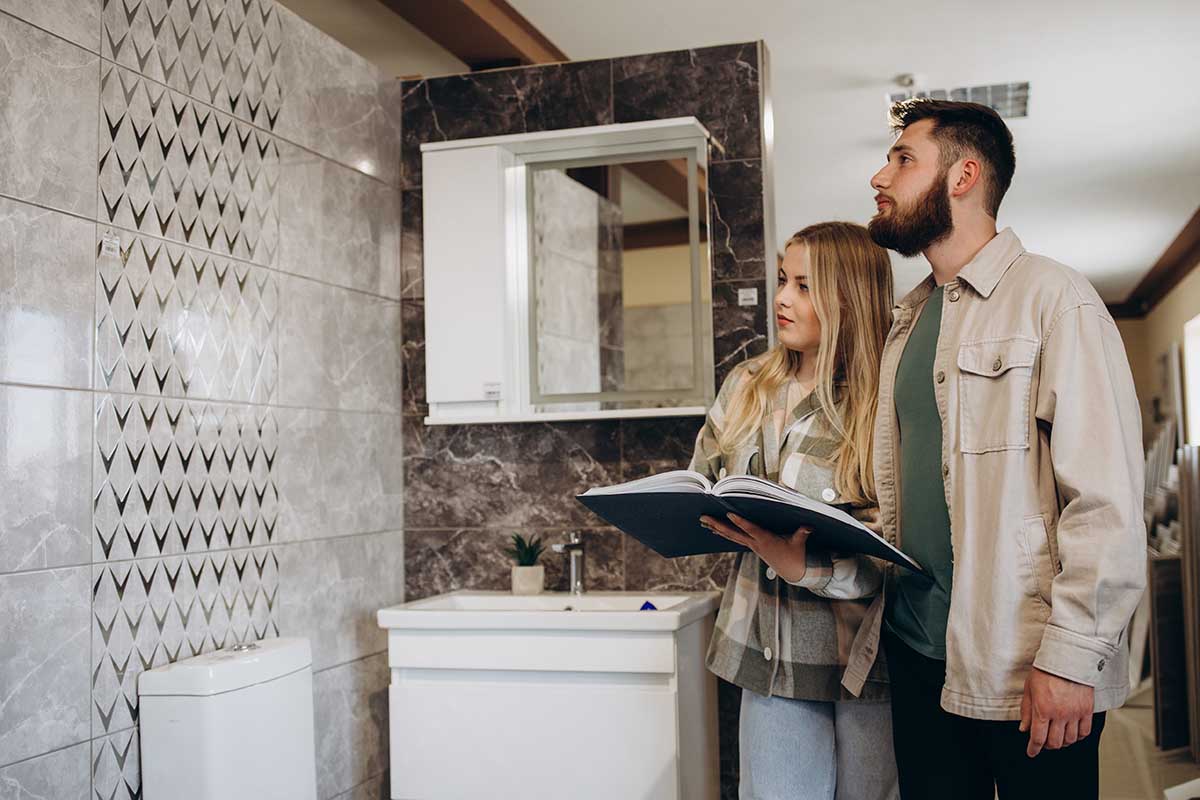

How AI Can Help You Design a Beautiful Room Without a Professional
✨Key Takeaways:
- Visualize Instantly: Transform a photo of your messy room into a styled magazine cover in seconds.
- Zero Risk: Test bold colors or expensive furniture virtually before committing to the purchase.
- Personalized Style: AI doesn’t just copy trends; it adapts them to your specific room geometry.
We all have that one Pinterest board.
You know the one-it’s titled “Dream Apartment” or “Future Home,” filled with hundreds of perfectly curated images of sunken living rooms, bouclé sofas, and sun-drenched reading nooks.
But looking up from your phone, the reality often looks… different.
Maybe it’s a mismatched collection of hand-me-down furniture, blank white walls, or a layout that just feels “off.”
Bridging the gap between your digital inspiration and your physical reality used to be expensive.
You either hired an interior designer or bought furniture hoping it would look good, and then paid the return shipping when the vision didn’t match reality.
Today, a free AI interior design tool changes that experience completely by letting you preview styles, layouts, and décor before you spend a dollar.
Enter generative AI.
In 2026, decorating is no longer just about buying things; it’s about visualizing them first, making smarter decisions, and avoiding expensive mistakes.
Using AI to decorate a room allows you to “try on” different aesthetics instantly, turning a chaotic brainstorming session into a cohesive visual plan without spending a dime.
It is the ultimate vibe check for your living space.
Why “Imagining It” Doesn’t Work Anymore

For years, the standard advice for decorating was to “create a mood board.”
You would cut out pictures of rugs, sofas, and paint swatches and glue them together.
While fun, this method has a major flaw: it lacks spatial context.
A velvet emerald sofa might look stunning on a white background, but when placed in your small, north-facing living room, it might just look dark and heavy.
Our brains are notoriously bad at visualizing spatial relationships and lighting.
This is why “buyers’ remorse” is so common in the furniture industry.
We often buy individual pieces we love, yet we struggle to understand how they will function together once they enter the same space.
A free AI interior design tool helps bridge that gap by treating the room as a complete system rather than a collection of random objects.
Instead of guessing, you see proportion, balance, and flow before making a purchase, which becomes especially powerful when you need to decorate a small bedroom where every inch matters.
AI respects the geometry of your environment.
It keeps your windows, your floor plan, and your ceiling height intact while overlaying new furniture and décor in a realistic way.
What you receive is clarity. It shows you the truth, not just the dream.
The Digital Toolkit: No Degree Required
The biggest misconception about AI design is that you need a powerful gaming computer or a degree in prompt engineering to use it.
That might have been true two years ago, but the landscape has shifted dramatically toward user-friendly web apps.
You no longer need to install gigabytes of software.
Today, the most effective platforms run entirely in your browser.
Whether you want to see how a “Mid-Century Modern” vibe fits your studio or test if “Maximalism” is too much for your bedroom, you can access AI room design free tools that handle the heavy lifting for you.
These platforms, such as Paintit.ai, are designed with an “intuitive flow” in mind-meaning they prioritize ease of use over complex technical settings, allowing you to focus purely on the aesthetic.
Step-by-Step: The “Vibe Check” Workflow
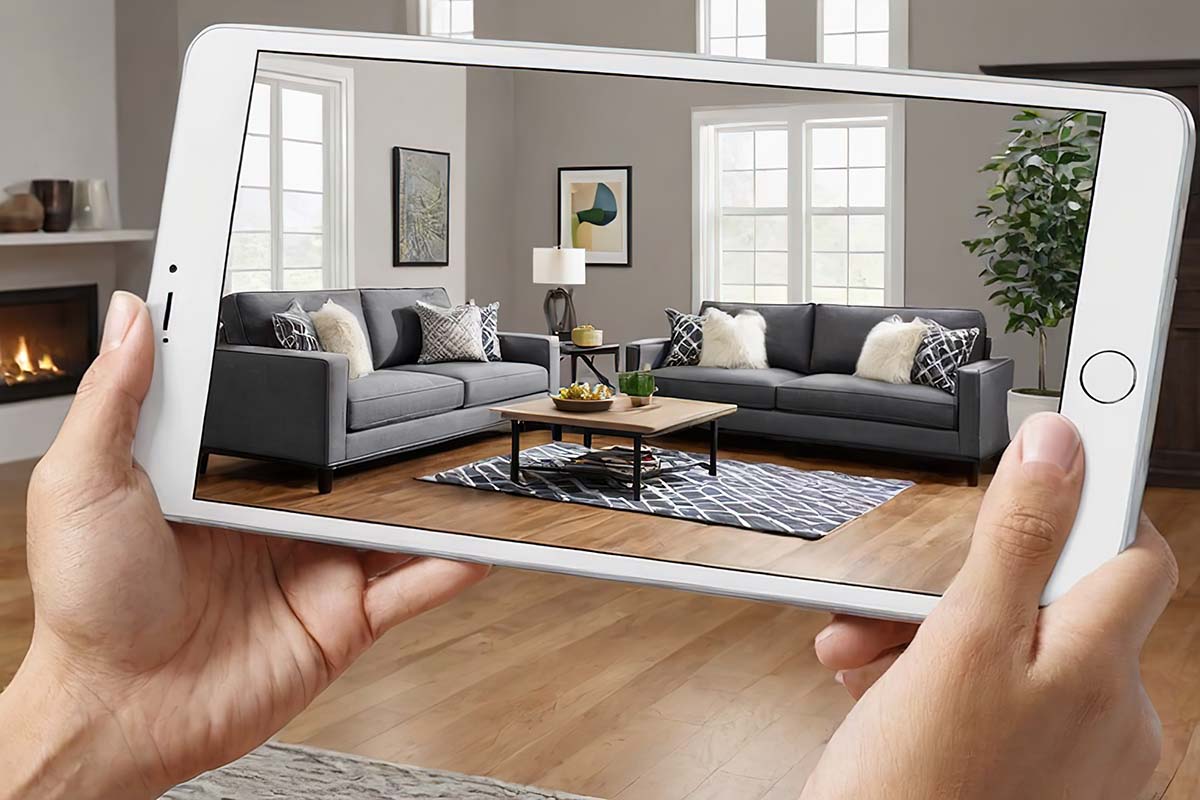
Ready to transform your space?
With a free AI interior design tool, you don’t need to be a tech expert or understand complex software to achieve professional-looking results.
What once required mood boards, measurements, and expensive consultations can now happen in minutes.
Here is a simple three-step workflow that helps you visualize smarter, make confident choices, and see your room come together before you buy anything.
Step 1: The Setup (Lighting & Angles)
Your output is only as good as your input. When taking a photo of your room to upload:
- Stand in the corner: This gives the AI the most information about the room’s depth and layout.
- Turn on the lights: Even if it’s daytime. Shadows can confuse the AI, making it think a dark corner is a different wall color.
- Declutter (Slightly): You don’t need to deep clean, but remove big piles of laundry. The AI will try to interpret shapes, so a pile of clothes might be re-interpreted as a weirdly shaped beanbag chair.
Step 2: The Prompt (Speak “Designer”)
This is where the magic happens. Instead of typing generic commands like “nice room,” use descriptive, sensory language.
Think about textures, lighting, and mood.
- Basic Prompt: “Living room with a sofa and rug.”
- Pro Prompt: “Cozy eclectic living room, terracotta walls, low-profile linen sofa, rattan pendant light, abundance of indoor plants, golden hour sunlight, warm and inviting atmosphere.”
The more specific you are about the feeling of the room, the better the AI can match your vibe.
Step 3: Remixing and Refining
Did the AI put a weird lamp on the ceiling?
Don’t worry. Most tools have an “Inpainting” or “Edit” feature.
This allows you to brush over a specific part of the image (like an ugly chair) and type a new prompt just for that area (e.g., “vintage leather armchair”).
This iterative process lets you mix and match until the room feels exactly right.
Trending Aesthetics to Try Right Now
If you are stuck for inspiration, 2026 has brought some distinct “internet aesthetics” into the physical world. Here is how to prompt for them:
Dopamine Decor This style is all about happiness, color, and nostalgia. It rejects beige minimalism.
- Keywords to use: “Pastel color palette, wavy mirrors, geometric rugs, playful shapes, Memphis design influence, bright and airy.”
Soft Minimal / Japandi The perfect blend of Japanese rustic minimalism and Scandinavian functionality. It’s calm, orderly, and warm.
- Keywords to use: “Warm wood tones, off-white walls, low furniture, natural stone textures, decluttered, zen atmosphere, soft diffused lighting.”
Dark Academia For those who want their room to feel like an old library at Oxford. Perfect for home offices or bedrooms.
- Keywords to use: “Moody lighting, dark green or navy walls, vintage wood desk, velvet textures, stacks of books, brass accents, moody and atmospheric.”
Bridging the Gap: From Pixel to Purchase
✨One common critique is: “Great, I have a picture of a fake room. Now what?” This is where the “Search” phase begins.
You don’t need to find the exact sofa the AI generated (which might not exist). You just need the “look.”
- Screenshot the specific item in your AI render (e.g., the rug).
- Use Google Lens or Pinterest Lens to scan that screenshot.
- Shop the Visual Matches: These tools will instantly find visually similar products available at stores like Wayfair, IKEA, or Amazon.
This method reverses the traditional shopping process.
Instead of wandering a store hoping to find something you like, you start with a finished vision and hunt for the pieces that fit the puzzle.
Summary
Your home should be a reflection of you, not a showroom catalog copied from someone else’s life.
For anyone wondering how to decorate a bedroom on a budget, the beauty of using AI for decoration is that it removes the fear of failure.
You can experiment with styles, colors, and layouts, explore ideas you might never risk in real life, and see what truly fits your personality before spending money.
Instead of guessing and hoping, you move forward with confidence.
You can paint your walls black, fill the room with neon lights, or swap your carpet for polished concrete-all without lifting a paintbrush.
Technology has finally caught up with imagination. So go ahead, upload that photo of your messy bedroom, and see what it looks like as a five-star boutique hotel suite.
The only limit is your prompt.