

Email Clean Up: How to Make the Most of Your Email Cleaning Service
✨Key Points
- A bigger list is not necessarily better: Invalid and disengaged contacts increase costs and can weaken deliverability.
- Verification does not establish consent: Never reactivate unsubscribed contacts or treat a valid address as permission to send.
- Cleaning is only one part of deliverability: Authentication, complaint rates, sending practices, content, and unsubscribe handling also matter.
Email remains a valuable marketing channel, but a large database is useful only when its contacts are legitimate, engaged, and properly obtained.
Invalid addresses, abandoned inboxes, duplicate records, spam traps, and repeated bounces can waste campaign budgets and damage the sender reputation that determines whether future messages reach the inbox.
In 2026, list quality matters alongside authentication and compliance.
Google and Yahoo require bulk senders to keep reported spam complaint rates below 0.3%.
Gmail also requires qualifying senders to use SPF, DKIM, and DMARC authentication and provide one-click unsubscribe for marketing messages.
Businesses commonly face problems such as:
- Paying email-platform fees for inactive or invalid contacts;
- High bounce rates after importing an old database;
- Campaigns suddenly landing in spam;
- Duplicate, misspelled, temporary, or role-based addresses;
- Unclear results for catch-all domains;
- Complaints from people who do not remember subscribing;
- Lost consent records after changing marketing platforms;
- Former customers who no longer engage;
- Damaged domain reputation after sending to purchased lists.
An email cleaning service can identify invalid, disposable, duplicate, and potentially risky addresses before a campaign is sent.
However, verification is not the same as permission.
A technically valid address may still belong to someone who never consented, previously unsubscribed, or no longer expects to hear from the business.
Before uploading a list, confirm that the provider explains:
- How customer data is encrypted, processed, stored, and deleted;
- Whether it complies with relevant privacy requirements;
- How it categorises valid, invalid, risky, unknown, and catch-all results;
- Whether it integrates safely with your email platform;
- How previous unsubscribes, complaints, and suppression records are protected;
- Whether pricing is based on credits, subscriptions, or list size.
Cleaning should form part of a broader email-hygiene process that includes documented consent, prompt bounce suppression, easy unsubscribing, engagement monitoring, and proper domain authentication.
This guide explains how to use an email cleaning service without deleting valuable subscribers or assuming that verification alone will solve every deliverability problem.
Email Cleaning: Free or Paid?
Should you pay for an email-cleaning service when free verification tools are available?
The answer depends on your list size, sending frequency, required features, and how much customer data you are comfortable uploading.
Free does not automatically mean inaccurate.
Some established providers offer limited complimentary credits using the same verification system as their paid plans.
However, unknown “free” websites may provide unclear results, weak privacy protections, or no explanation of how uploaded addresses are stored and used.
A free option may be sufficient when:
- You need to check only a few addresses.
- You are testing a provider before purchasing credits.
- The service explains its security and deletion policies.
- Manual, one-at-a-time verification is manageable.
- You do not need integrations, bulk processing, or detailed reports.
A paid service may be more practical when:
- You manage a large or frequently updated database.
- You need bulk verification or automated cleaning.
- Catch-all, disposable, duplicate, and risky addresses must be identified.
- You require downloadable reports and platform integrations.
- Customer support, contractual privacy terms, or service guarantees matter.
- The time saved is worth more than the verification cost.
Compare providers using a small, non-sensitive sample before uploading the complete list.
Review the results, pricing, security practices, data-retention policy, customer support, and treatment of unknown or catch-all addresses.
The best choice is not necessarily the cheapest or most expensive service.
It is the provider that delivers understandable results, protects subscriber data, and fits the scale of your email program.
How to Tell if You Chose the Right Email Cleaning Service
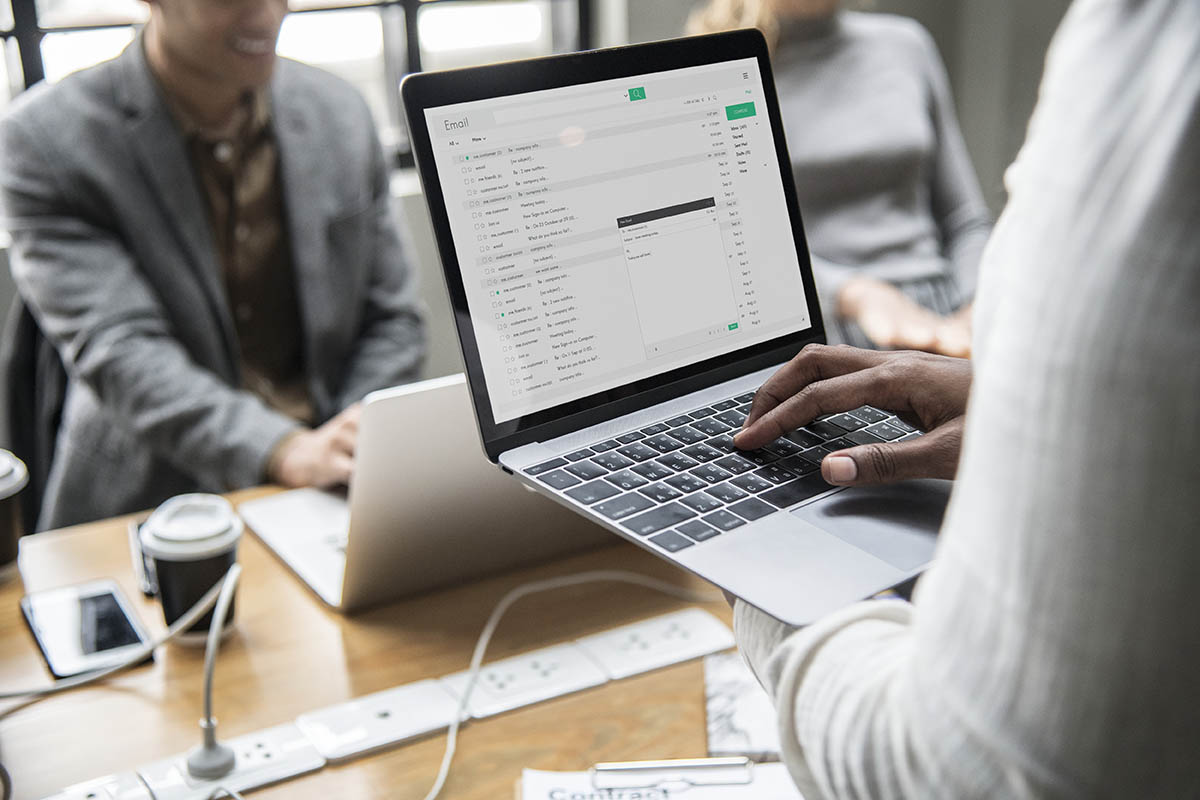
The right service should do more than divide addresses into “valid” and “invalid.”
It should provide clear results that help you make responsible decisions without exposing subscriber data or accidentally reactivating suppressed contacts.
Evaluate these five areas:
- Features: Look for duplicate removal and detection of invalid, disposable, role-based, catch-all, abuse-related, and unknown addresses. Bulk uploads, API access, and email-platform integrations may also be useful.
- Accuracy: Ask how accuracy is measured and how frequently verification data is updated. Test several providers with the same small sample and compare their classifications. Be cautious of any company promising perfect accuracy.
- Security: Confirm that files are encrypted during transfer and storage. Review where the data is processed, who can access it, whether it is shared, and how quickly it is permanently deleted.
- Customer support: The team should be able to explain unfamiliar categories, billing, integrations, data protection, and what to do with risky or unknown results. Test support before purchasing a large plan.
- Ease of use: Uploading, reviewing, and exporting results should be straightforward. The dashboard should provide useful explanations rather than forcing users to guess what each status means.
Before committing, run a controlled test and ask:
- Did the service preserve unsubscribe and suppression records?
- Were the results clearly explained?
- Did it identify obvious invalid and duplicate addresses?
- Could you export every category separately?
- Were the price and credit rules transparent?
- Was uploaded data deleted according to the stated policy?
A trustworthy email cleaning service should reduce uncertainty rather than create more of it.
If the company cannot explain its verification methods, privacy practices, or classifications clearly, consider another provider.
Features: What Should an Email-Cleaning System Do?
An email cleaner should verify and categorise addresses, not automatically delete every contact it considers risky.
Export each category separately, review the results, and maintain a permanent suppression list for hard bounces, unsubscribes, and complaints.
A capable system should identify:
- Invalid or misspelled addresses: These may contain formatting errors, nonexistent domains, or mailboxes that cannot receive messages. Suppress confirmed invalid addresses. Review suggested corrections manually rather than automatically changing someone’s email.
- Disposable addresses: Temporary inboxes may work briefly and then disappear. Isolate them when an ongoing customer relationship requires a stable address, but remember that their use does not automatically indicate fraud.
- Duplicate contacts: Sending multiple copies of the same campaign wastes money and may irritate recipients. Merge duplicates carefully without losing consent dates, preferences, purchase history, or suppression status.
- Role-based addresses: Addresses such as
info@,support@, orsales@may be monitored by several people. They are not automatically worthless—especially in B2B marketing—but require clear consent and careful segmentation. - Catch-all domains: These domains accept mail for addresses without confirming whether an individual mailbox exists. They are not necessarily full or invalid. Place them in a separate category and evaluate consent, source, engagement, and business value before sending.
- Complaint-prone or abuse-related addresses: Some services flag addresses associated with previous complaints. Treat these results cautiously because providers rarely disclose the complete methodology. Your own complaint and unsubscribe history should remain the primary source.
- Unknown addresses: Temporary server problems, verification blocks, or privacy settings can prevent a definite result. Retry them later or send cautiously to a small, properly obtained segment rather than automatically deleting them.
- Potential spam traps: No cleaning service can guarantee perfect spam-trap detection because trap operators do not publish complete lists. Treat these labels as risk indicators, and address the underlying causes by avoiding purchased lists, documenting consent, and removing chronically inactive contacts.
The system should also preserve metadata showing where and when each contact subscribed.
Verification can estimate whether an inbox may receive mail, but it cannot confirm consent, interest, or future engagement.
What to Do After Cleaning Your Email List

Cleaning an email list is not a one-time fix. Addresses can become inactive, people change jobs, domains expire, and subscribers lose interest.
Waiting for bounce rates to rise means the sender’s reputation may already be affected.
After cleaning, establish an ongoing hygiene process:
- Suppress hard bounces immediately.
- Honour unsubscribes and complaints without delay.
- Preserve suppression records when changing platforms.
- Monitor engagement, bounce, and complaint trends after every campaign.
- Segment inactive subscribers instead of repeatedly emailing them.
- Run a limited re-engagement campaign before suppressing long-term inactive contacts.
- Use confirmed or double opt-in when appropriate.
- Record when, where, and how each subscriber gave consent.
- Reverify older lists before major campaigns.
- Protect forms against bots and automated submissions.
Real-time verification can also help prevent obvious errors from entering your database.
An email-verification API can be connected to website signup forms, checkout pages, lead forms, CRM workflows, and other authorised collection points.
However, an API key is a credential, not the code itself. It should normally be protected on the server rather than exposed in public website code.
A developer or trusted integration should configure the connection, test error handling, and confirm what happens when the verification service is unavailable.
Real-time verification can:
- Detect incorrect formatting and nonexistent domains.
- Flag disposable, role-based, or risky addresses.
- Suggest corrections for common typing errors.
- Reduce obviously invalid submissions.
- Return a status before the contact enters an automated campaign.
It cannot prove that a person owns the address, gave valid consent, or wants marketing messages.
It may also return uncertain results for catch-all domains or temporarily unavailable mail servers. For that reason, verification should complement, not replace, confirmation emails, consent records, suppression lists, and engagement monitoring.
For leads collected through Facebook or another external platform, the API may require a supported native integration, automation platform, webhook, or custom workflow.
Test the complete process before relying on it, and never assume every application can accept the API directly.
The goal is not to block every unusual address. It is to prevent obvious errors while allowing legitimate subscribers to join without unnecessary friction.
Final Thoughts: Accuracy and Other Benefits of Email Cleanup

Before uploading customer information to an email-cleaning platform, evaluate more than the advertised accuracy rate.
Claims such as “97% accurate” can be difficult to compare because providers may use different definitions, testing methods, and time periods.
Check the following:
- Verification categories: The service should distinguish between valid, invalid, disposable, duplicate, catch-all, role-based, and unknown addresses.
- Independent testing: Look for transparent accuracy reports, service guarantees, or testing against a small sample of your own data.
- Data protection: Confirm how files are encrypted, where they are stored, who can access them, and when they are permanently deleted.
- Privacy terms: Ensure the provider does not sell, reuse, or add uploaded contacts to another database.
- Suppression protection: Never remove or reactivate previous unsubscribes, complaints, or blocked addresses.
- Customer support: Reliable assistance is more important than a 24/7 claim if the support team cannot explain results clearly.
- Ease of use: A secure web platform or trusted direct integration can simplify cleaning, but review access permissions before connecting your email account.
- Export control: You should be able to download complete results and decide how each category is handled.
Do not wait for the bounce rate to exceed an arbitrary 2% threshold before taking action. Investigate any unusual increase immediately and verify lists before sending when contacts are old, collected offline, imported from another system, or inactive for an extended period.
Email marketing gives businesses direct access to subscribers without depending entirely on a social platform’s algorithm.
However, that access must be supported by permission, relevance, and responsible data management.
A cleaner list may help a business:
- Reduce charges for unusable contacts.
- Prevent avoidable hard bounces.
- Protect its domain and sender reputation.
- Produce more reliable campaign reports.
- Focus content on people who genuinely want it.
- Reduce time spent troubleshooting deliverability.
- Build greater trust through responsible communication.
Higher open rates, clicks, or conversions are possible, but they are not guaranteed by cleaning alone.
Results also depend on consent, segmentation, authentication, message quality, sending frequency, and how well the offer meets subscribers’ needs.
The goal is not to preserve the largest possible database.
It is to maintain a smaller, permission-based audience that recognises the sender, values the content, and has a genuine reason to engage.