

How to Keep Your Website Online During Network Maintenance
✨Key Points
- Prepare before maintenance: Back up the website, database, DNS settings, and configuration files, and test the recovery process.
- Maintain availability: Use a CDN, load balancer, redundant server, or cached maintenance page to keep essential information accessible.
- Monitor and communicate: Track uptime and critical functions in real time, inform users about expected disruptions, and verify the entire website after maintenance.
Planned network maintenance can improve security and performance, but poor preparation may cause downtime, failed transactions, broken integrations, or lost customer data.
Even a brief interruption can affect sales, customer trust, email delivery, and search engine access.
Reliable website maintenance requires more than checking whether the homepage loads.
Businesses should also protect:
- Checkout and payment systems;
- Customer accounts and personal data;
- Forms, APIs, and third-party integrations;
- Databases and recent transactions;
- DNS and SSL certificates;
- Email and notification systems;
- Mobile and international access;
Modern services such as Cloudflare, Amazon Web Services, Google Cloud, and Microsoft Azure provide load balancing, content delivery, automated backups, and traffic-management tools.
Monitoring platforms such as UptimeRobot, Pingdom, and Datadog can alert teams when a website becomes unavailable or unusually slow.
Businesses can also use Atlassian Statuspage to keep customers informed during maintenance or service disruptions.
No platform can guarantee that a website will never experience downtime.
However, a tested maintenance plan can reduce the risk of outages, protect customer information, and help the team restore services faster when something goes wrong.
This guide explains how to prepare your infrastructure, monitor essential website functions, communicate with users, and recover safely after network maintenance.
Essential Steps for Every Website
Whether your website runs on a managed platform, cloud infrastructure, or a private server, it requires regular maintenance.
Important responsibilities include:
- Monitoring uptime and performance;
- Installing security updates;
- Testing forms, checkout systems, and integrations;
- Creating and verifying backups;
- Renewing SSL certificates;
- Checking mobile usability and page speed.
Smart web design can help your business succeed online by making your website attractive, accessible, and easy to navigate.
However, good design must be supported by reliable hosting and technical maintenance.
Otherwise, visitors may encounter slow pages, broken features, or security warnings.
Working with an experienced provider such as IT Outposts gives your business access to professional infrastructure monitoring and maintenance support.
This can reduce downtime, improve incident response, and provide customers with a secure online experience.
Regular maintenance also supports SEO. A fast, reliable website is easier for visitors and search engines to access. Combined with valuable content and relevant backlinks, this can help you grow website authority organically over time.
The following steps will help you prepare for network maintenance, protect important data, and keep essential services available.
Importance of Proactive IT Maintenance
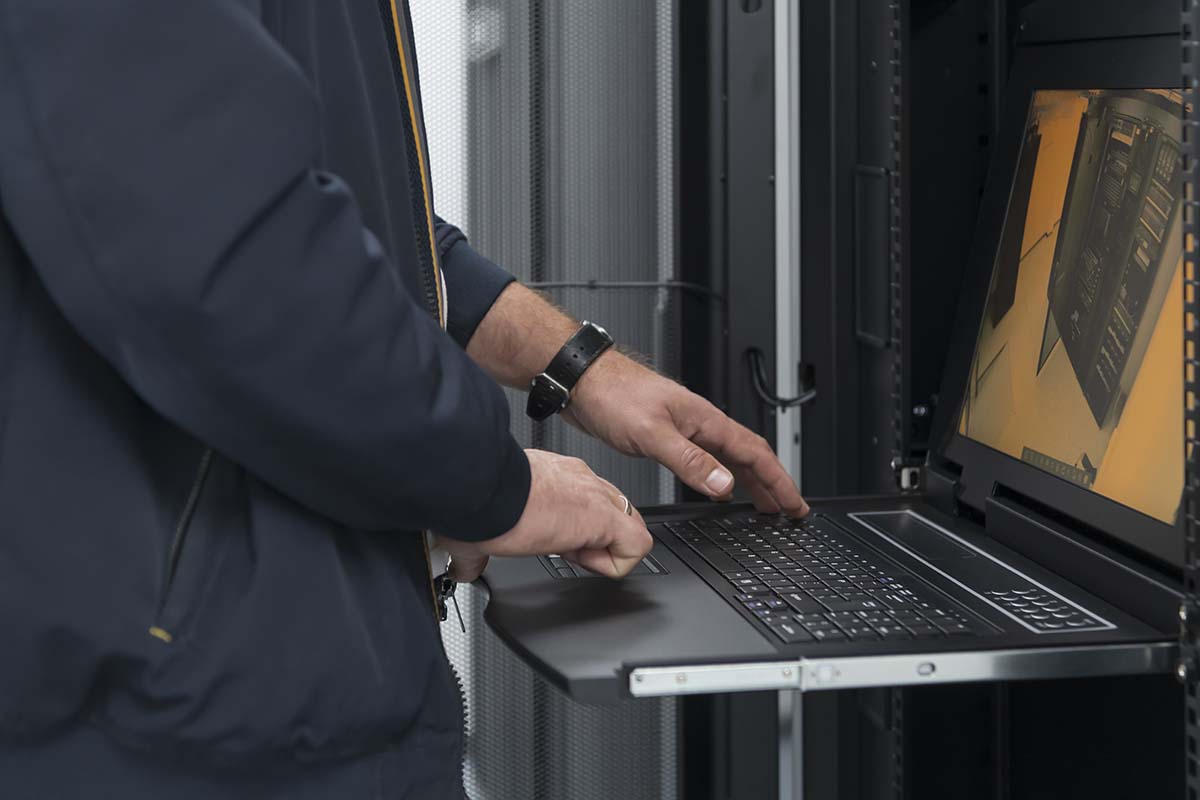
Proactive IT maintenance is similar to changing the oil in a car: it helps prevent serious and expensive problems before they occur.
Waiting for a website or network to fail can lead to downtime, security risks, lost data, and disrupted customer service.
Create a documented maintenance process that includes:
- Installing security patches and software updates;
- Monitoring uptime, traffic, and server performance;
- Testing backups and recovery procedures;
- Checking SSL certificates and domain renewals;
- Reviewing user access and administrator permissions;
- Testing forms, payments, APIs, and integrations;
- Recording completed work and detected problems.
Automated monitoring and update tools can make these tasks easier, but automation should not replace professional review.
Assign responsibility for every task, maintain weekly and monthly checklists, and document any changes made to the system.
This creates accountability and helps the technical team identify recurring issues.
Professional network maintenance services can monitor infrastructure, perform updates, manage backups, and respond to technical incidents.
This allows internal teams to focus on customers, products, and business growth while experienced specialists maintain the network’s security and reliability.
Enable Security and Maintenance Alerts
Keeping your website software updated is one of the simplest ways to reduce security risks during network maintenance.
Outdated plugins, themes, and server software may contain vulnerabilities that attackers can exploit.
Enable automatic notifications for:
- Security patches and software updates;
- Plugin or integration failures;
- Suspicious login attempts;
- Website downtime and performance issues.
Install critical updates promptly, but test them in a staging environment first to prevent compatibility problems or unexpected downtime.
Create and Test Your Backups
Backups are an affordable safeguard against human error, failed updates, cyberattacks, and hardware problems.
Even one incorrect click can delete important information, but a recent and tested backup can help restore the website quickly.
A complete website backup should include:
- Database: Content, customer information, orders, user accounts, and settings;
- Website files: Themes, plugins, images, code, and custom configurations;
- Technical settings: DNS records, SSL information, server configurations, and integration details;
Store backups in a separate location from the main server and protect them with encryption and access controls.
Follow the 3-2-1 rule: keep three copies of the data, use two different storage types, and maintain one copy off-site.
Creating copies is not enough, test the restoration process regularly.
A managed services provider can automate backups, monitor failures, and verify that data can be recovered.
Businesses using managed IT services can also establish recovery schedules based on the website’s size, complexity, and acceptable downtime.
Monitor Website Uptime

No website can guarantee uninterrupted availability, but continuous monitoring helps detect problems before they affect too many users.
Track both uptime and the performance of essential functions, including:
- Page-loading speed;
- Checkout and payment processing;
- Forms, APIs, and third-party integrations;
- Server response time;
- SSL certificate status;
- Access from different locations and devices;
Tools such as UptimeRobot, Pingdom, and Datadog can send alerts when a website becomes unavailable or unusually slow.
Assign someone to receive these alerts and establish a clear response process.
Follow Applicable Laws and Regulations
Your website must comply with the privacy, accessibility, consumer-protection, and data-security requirements that apply to your business and customers.
Review your privacy policy, cookie consent, terms of service, data-collection practices, and accessibility standards regularly.
Because requirements vary by location and industry, contact lawyers for appropriate legal guidance.
Your legal, marketing, and IT teams should work together to ensure that public statements accurately reflect how customer data is collected, stored, and used.
Conclusion
Keeping a website available during network maintenance requires preparation, monitoring, secure backups, timely updates, and clear communication.
Although no system is completely immune to downtime, proactive maintenance can reduce disruptions and support faster recovery.
Businesses that lack internal technical expertise can work with a qualified IT provider to monitor infrastructure and manage maintenance safely.
Investing in website reliability protects customer data, reduces lost sales, and strengthens long-term trust in your business.